
How to stay in control, stay sharp, and actually benefit from the tools everyone’s rushing to use.
AI coding tools can dramatically accelerate your output — but raw speed without guidance creates new risks. The developers getting the most out of these tools aren’t the ones moving fastest; they’re the ones who’ve learned to steer effectively. A few deliberate habits can mean the difference between shipping quality code sooner and inheriting a subtle mess that takes days to untangle.
AI is going to accelerate your throughput — so slow down a bit
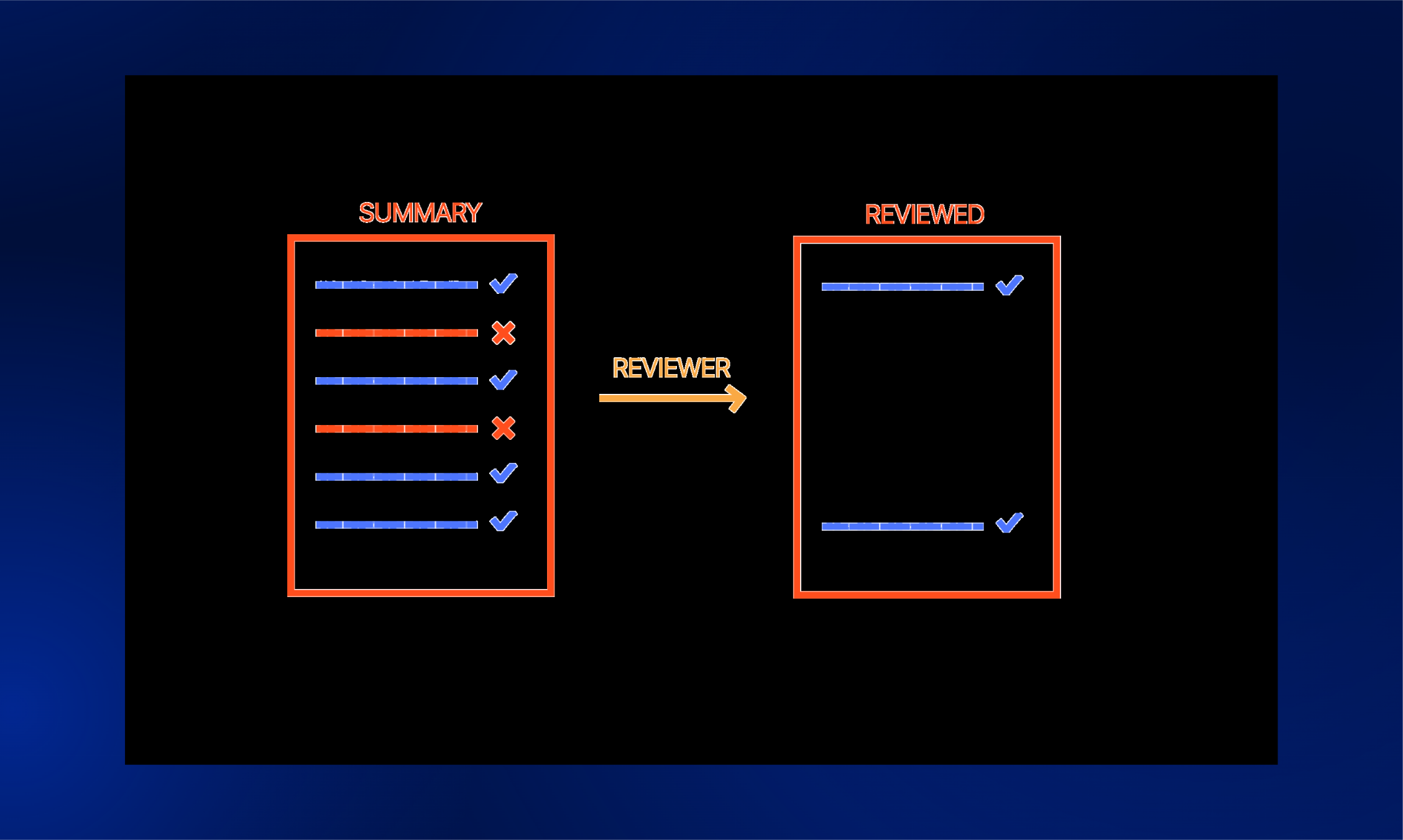
AI makes mistakes. A plausible-looking suggestion that introduces a bug, a security gap, or a subtle logic error can sail through unnoticed if you’re moving too quickly to review. Catching those issues before they hit production is far cheaper than debugging them after the fact.
That’s why the time savings matter — but so does how you spend them. You’re already saving a week of work; take a day to make sure the AI did a good job. Thoroughly review proposed plans and code suggestions before accepting them. Speed is a gift; spending some of it on quality is how you stay in control.
Always start with a plan
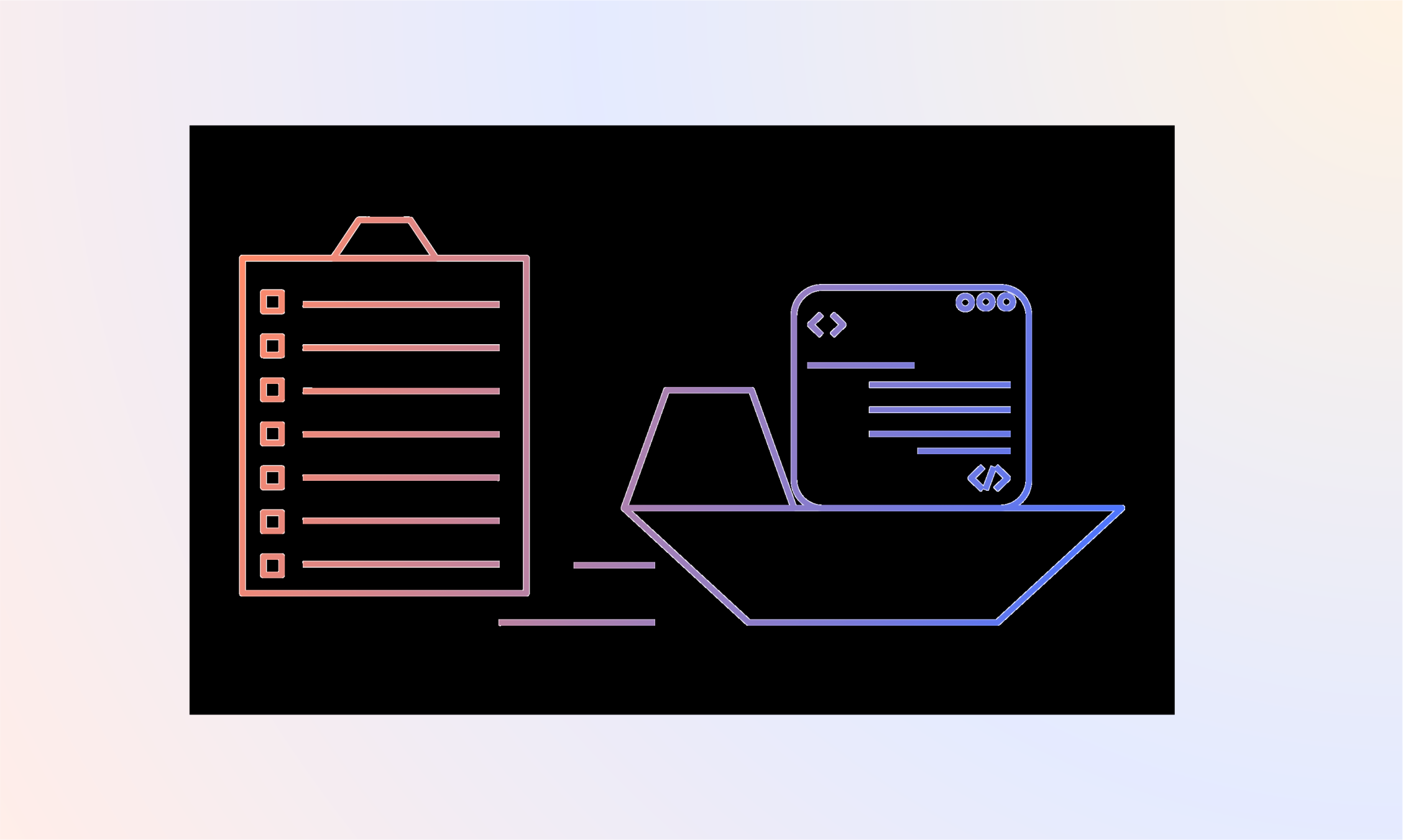
No need to write one yourself — ask the AI to draft it. Then take the time to actually read it, iterate on it, and push back where it doesn’t match your intent. Ask the agent to capture the plan and todos in a markdown file so it can track progress as it goes. This also makes it much easier to pick up where you left off later.
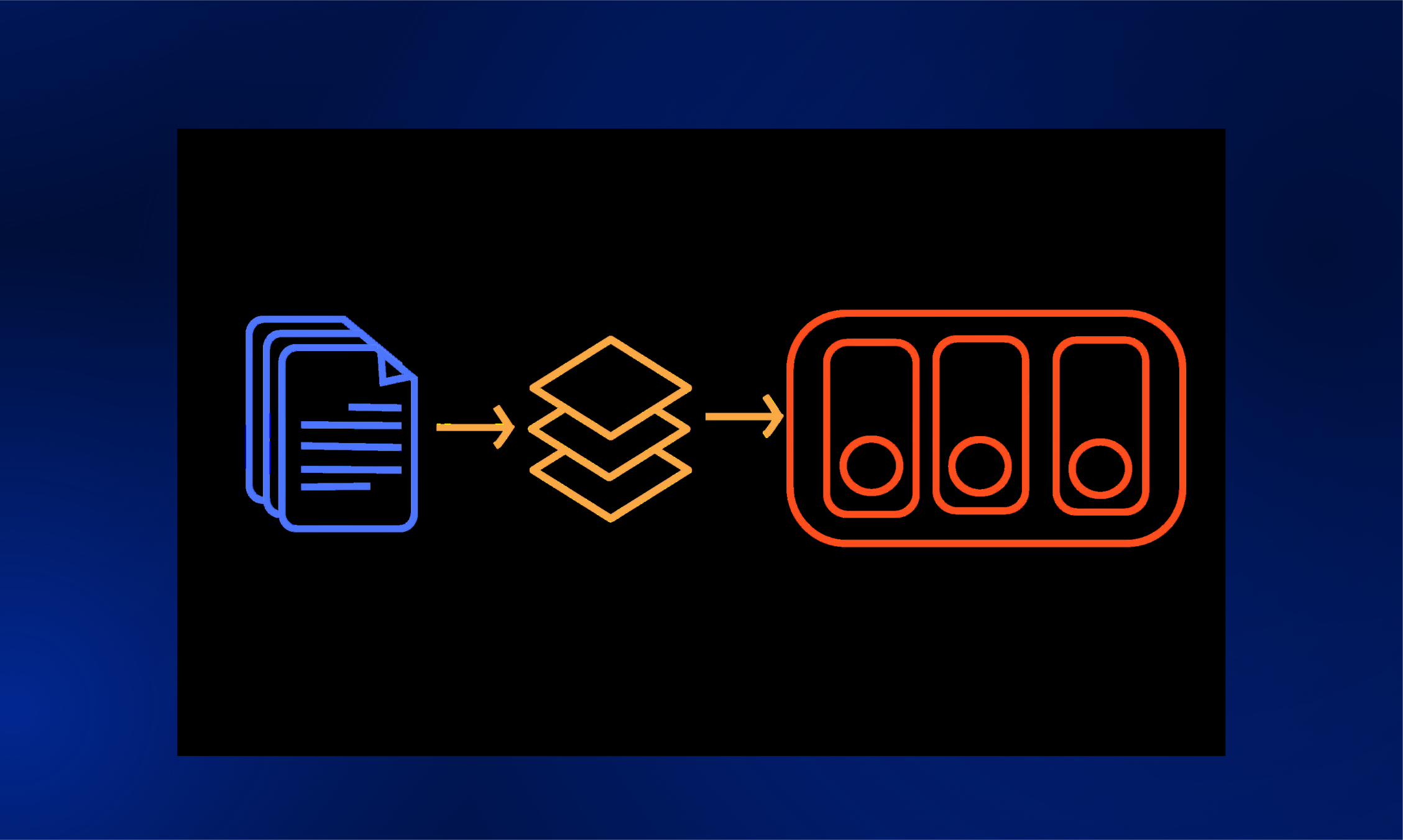
If the change is large, break the plan into multiple phases and tackle them as separate PRs. Large PRs are hard to review thoroughly — by humans or AI — and they’re harder to roll back when something goes wrong. Keeping each PR focused makes the work easier to reason about at every stage.
Be specific with your prompts
Clearly state the requirements, input/output format, edge cases, and performance expectations. Provide sample inputs and desired outputs when you can. The more concrete your requirements, the less the AI has to guess — and the less you have to fix.
Don’t ask AI to perform small changes
Small edits are a waste of tokens, premium requests, and energy. Update that padding yourself. If you’re asking the AI to make a small change because you don’t know where that code needs to be updated — that’s a signal you need to spend more time understanding the codebase, not leaning harder on the AI.
Make proper use of AI instruction files and skills
AI instruction files (like AGENTS.md, CLAUDE.md, copilot-instructions.md) are always loaded in full as context — keep them short and intentional. Skills are different: only the name and description are always included; the full skill content is only pulled in when needed. Use more skills, and keep your instruction files lean.
Don’t let yourself lose your coding skills
Stay in the loop on what your AI is actually writing — review it and understand it. Code the small things by hand. Every now and then, turn off your AI assistant entirely and see how you’re doing. The goal is augmentation, not dependency.
Ask AI to review your PRs
The ideal setup is having a different agent review the PR than the one that wrote it — a fresh agent has no attachment to the original implementation decisions and no history of rationalizing them, which makes it a genuine stress test. If that’s not practical, even asking the same agent to review its own work with fresh context (no memory of the prior session) is worthwhile; it will still catch things it missed the first time. Either way, don’t lower the bar on human review just because AI is involved. And use AI to augment your own process when reviewing others’ code too. More eyes, even artificial ones, means fewer things slipping through.